Set Up Your Agency Account
Last updated: March 18, 20264 min readBeginnerAgency
Arqam360 offers dedicated agency plans for digital agencies and consultancies managing consent for multiple clients. Here's how to set up your agency account.
1
Go to Register
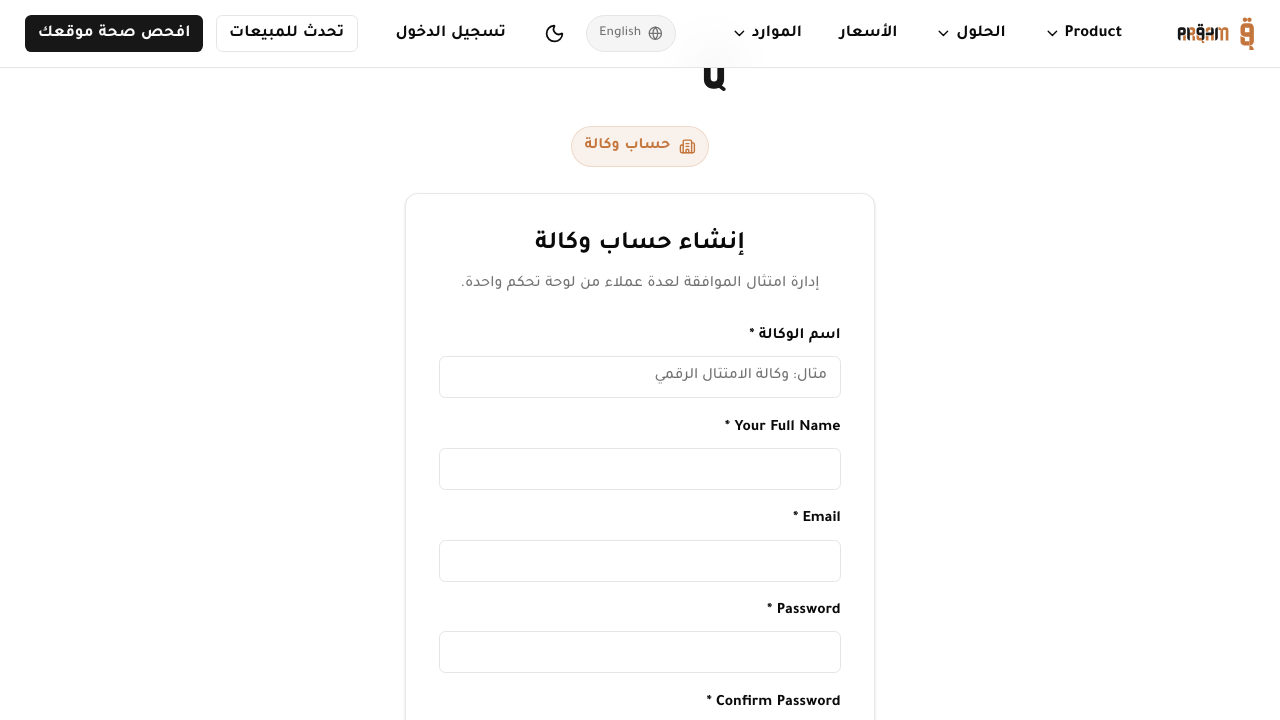
Visit arqam360.com/register/agency to access the agency registration.
2
Fill in agency details
Enter your agency name, email, and password.
3
Activate the Agency plan
Agency at $399/mo (or $299/mo billed yearly) — includes 25 client workspaces and full white-label.
4
Access your dashboard
Log in to see the agency dashboard with client management.
Agency Dashboard
Your agency dashboard shows an overview of all clients, team members, and aggregate metrics. Use the client selector in the sidebar to switch between client contexts.
The Agency plan includes 25 client workspaces and 15 team seats. Need more? Add extra clients at $15/month each — there's no hard cap.
Was this article helpful?