Connect TikTok Events API
Last updated: March 18, 20265 min readIntermediateBrand
The TikTok Events API enables server-side event tracking for TikTok Ads. Arqam360 forwards consent events and applies Limited Data Mode when marketing consent is denied.
Prerequisites
- A TikTok for Business account
- A TikTok Pixel ID
- An Events API access token
- An Arqam360 Pro or Enterprise plan
1
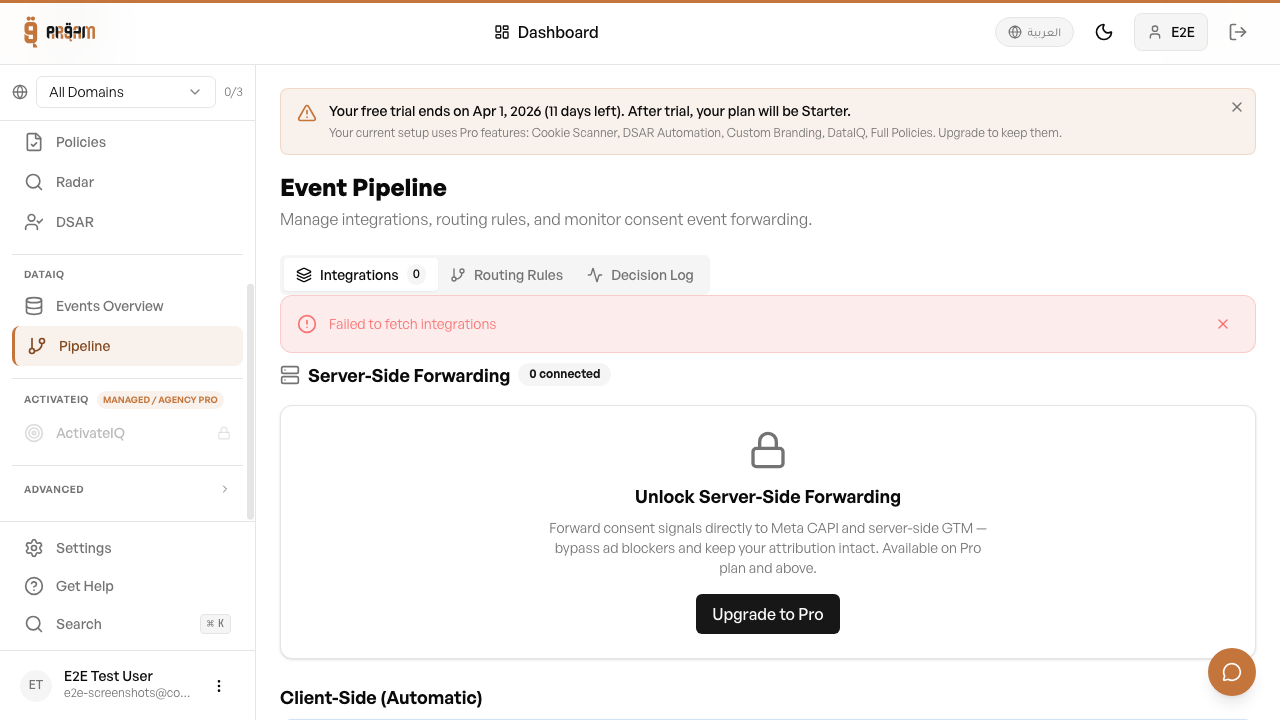
Go to Integrations
Navigate to Integrations in your dashboard.
2
Select TikTok Events API
Click the TikTok card and click 'Connect'.
3
Enter credentials
Provide your Pixel ID and access token.
4
Test and enable
Click 'Test Connection', then toggle the integration on.
Limited Data Mode
When a visitor denies marketing consent, Arqam360 enables TikTok's Limited Data Mode flag on the event. This restricts data processing on TikTok's side.
TikTok Events API events are sent server-side, providing reliable tracking even when browser-based TikTok Pixel is blocked by ad blockers.
Was this article helpful?