Connect Snapchat Conversions API
Last updated: March 18, 20264 min readIntermediateBrand
The Snapchat Conversions API enables server-side event tracking. Arqam360 forwards consent events to Snap with proper consent state handling.
1
Get your Snap Pixel ID and CAPI Token
Find these in Snap Ads Manager → Events Manager.
2
Connect in Arqam360
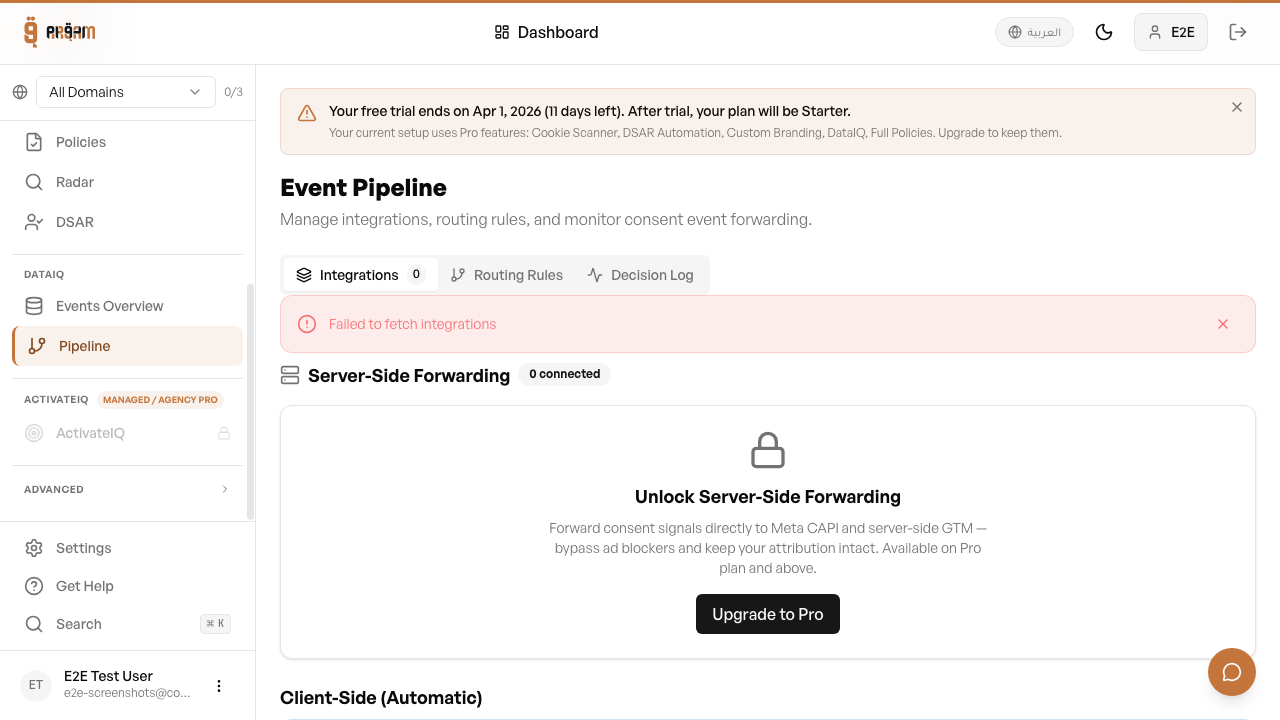
Go to Integrations → Snapchat CAPI, enter your credentials.
3
Test
Click 'Test Connection' to verify the connection.
4
Enable
Toggle the integration on.
Verify Events
Check Snap Ads Manager → Events Manager to see incoming server events. Events should appear within a few minutes of a visitor interacting with your consent banner.
Tags & Pixels complement your Snap Pixel — use both for best attribution accuracy.
Was this article helpful?