Set Up the Cookie Scanner
Last updated: March 18, 20264 min readBeginnerBrand
The cookie scanner uses Puppeteer-based headless browsing to discover all cookies, trackers, and third-party scripts on your website. Set it up once and it runs automatically.
1
2
1
Verify your domain
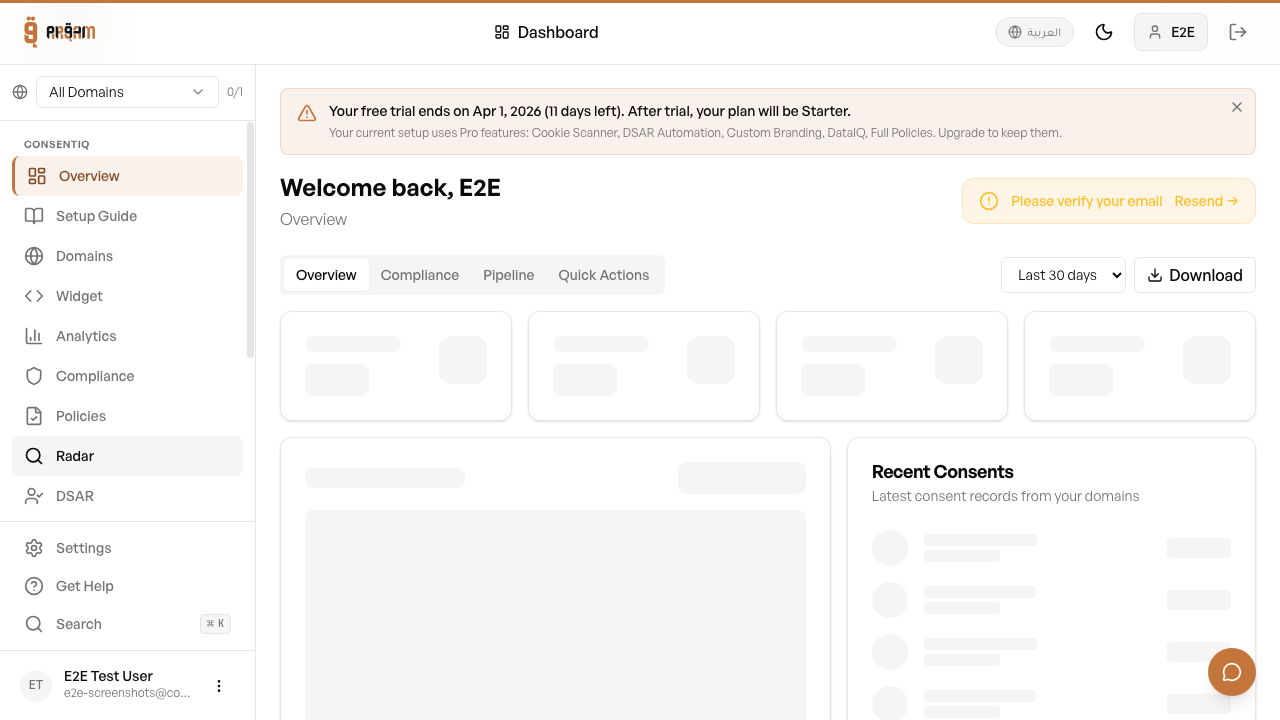
The scanner requires a verified domain. Go to Domains and verify first.
2
Navigate to Scanner
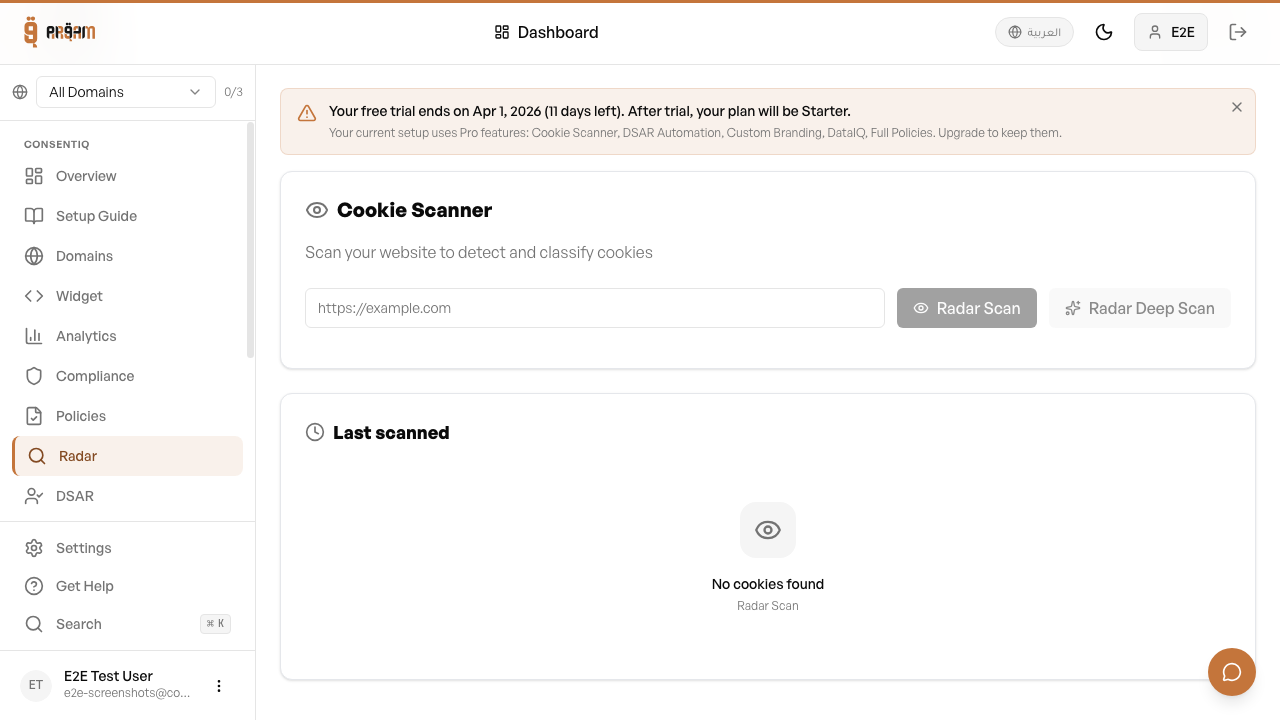
Go to the Scanner tab in your dashboard.
3
Configure scan settings
Choose scan depth (pages to crawl) and frequency (weekly, monthly).
4
Run your first scan
Click 'Run Scan' to start immediately.

Interpreting Results
After each scan, the results are categorized and compared to your previous scan to highlight changes.
- New cookies discovered since last scan are flagged
- Removed cookies are marked as no longer detected
- Category suggestions are provided based on known cookie databases
- Third-party vs first-party cookies are identified automatically
Enable weekly automatic scans to stay on top of any new cookies added by third-party scripts. You'll get an email notification when new cookies are discovered.
Next Steps
Was this article helpful?