Generate Privacy & Cookie Policies
Last updated: March 18, 20265 min readBeginnerBrand
Arqam360's policy generator creates privacy and cookie policy documents tailored to your website's actual cookie usage and your regulatory requirements.
1
Run a cookie scan
Ensure you have recent scan results to populate the policy with accurate data.
2
Go to Policies
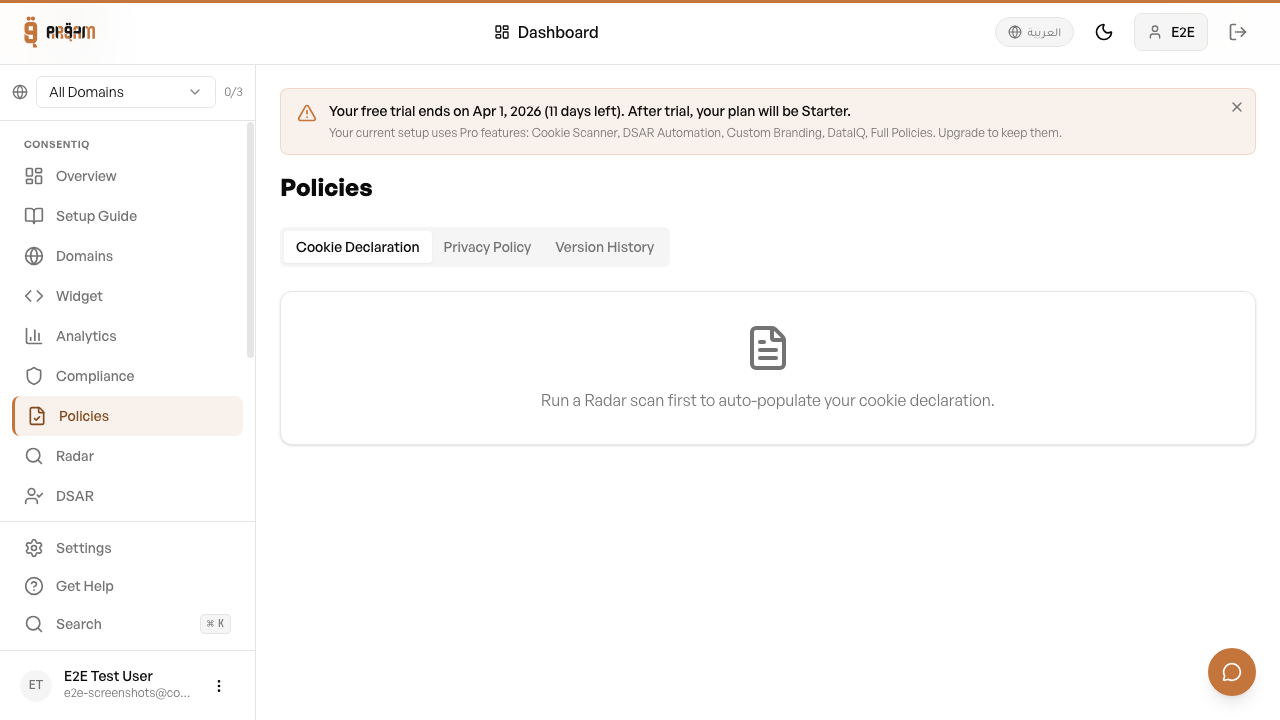
Navigate to the Compliance → Policies section.
3
Select policy type
Choose which policy to generate (Privacy Policy, Cookie Policy, or both).
4
Customize details
Add your company name, contact information, and jurisdiction.
5
Generate and publish
Click Generate. The policy is created with your cookie inventory included.
Policy Types
- Privacy Policy — Covers data collection, usage, rights, and contact information
- Cookie Policy — Details each cookie, its purpose, duration, and category
- Combined Policy — Merged privacy and cookie policy in one document
Customization
You can customize the generated policy with your company details, add additional clauses, and choose the language (English or Arabic).
Generated policies are templates based on common regulatory requirements. We recommend having them reviewed by a legal professional familiar with your jurisdiction's specific laws.
Next Steps
Was this article helpful?