Create Your Arqam360 Account
Last updated: March 18, 20263 min readBeginnerBrand
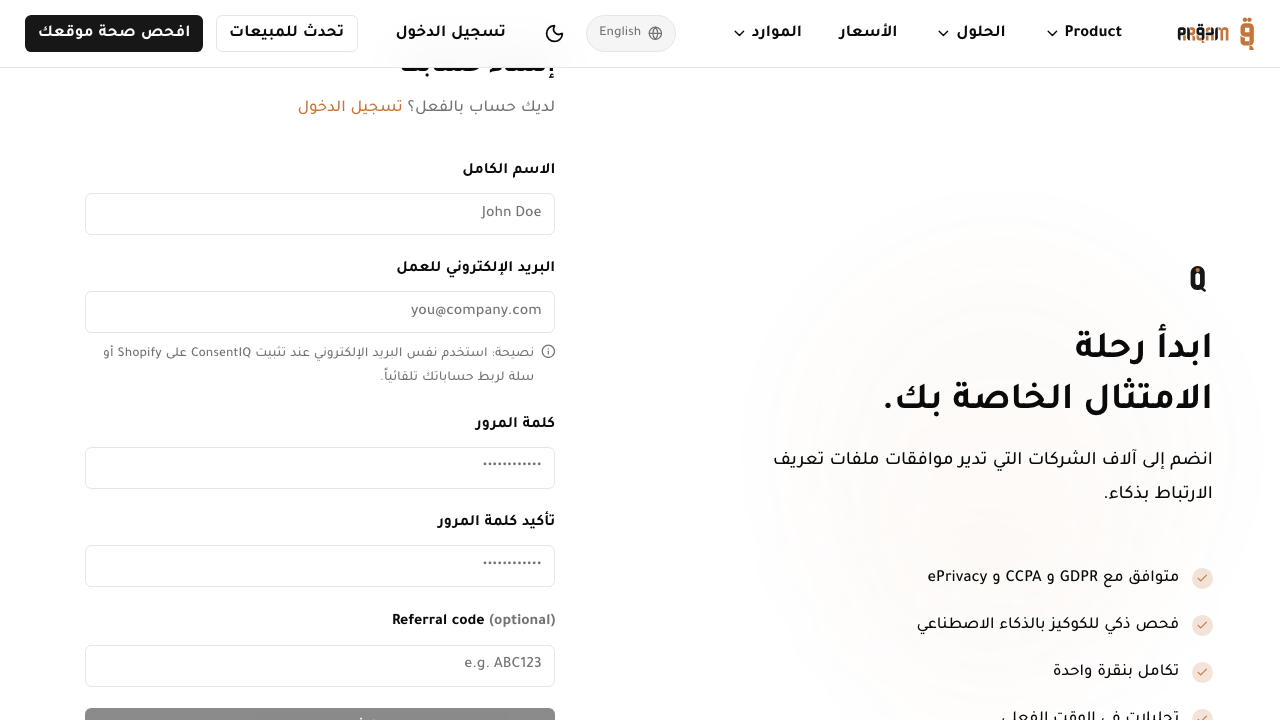
Creating an Arqam360 account takes less than two minutes. You can sign up with your email address or use Google OAuth for one-click registration.
1
2
3
1
Go to arqam360.com/register
Open the registration page in your browser.
2
Enter your details
Provide your name, email address, and a strong password (minimum 8 characters).
3
Verify your email
Check your inbox for a verification link and click it to activate your account.
4
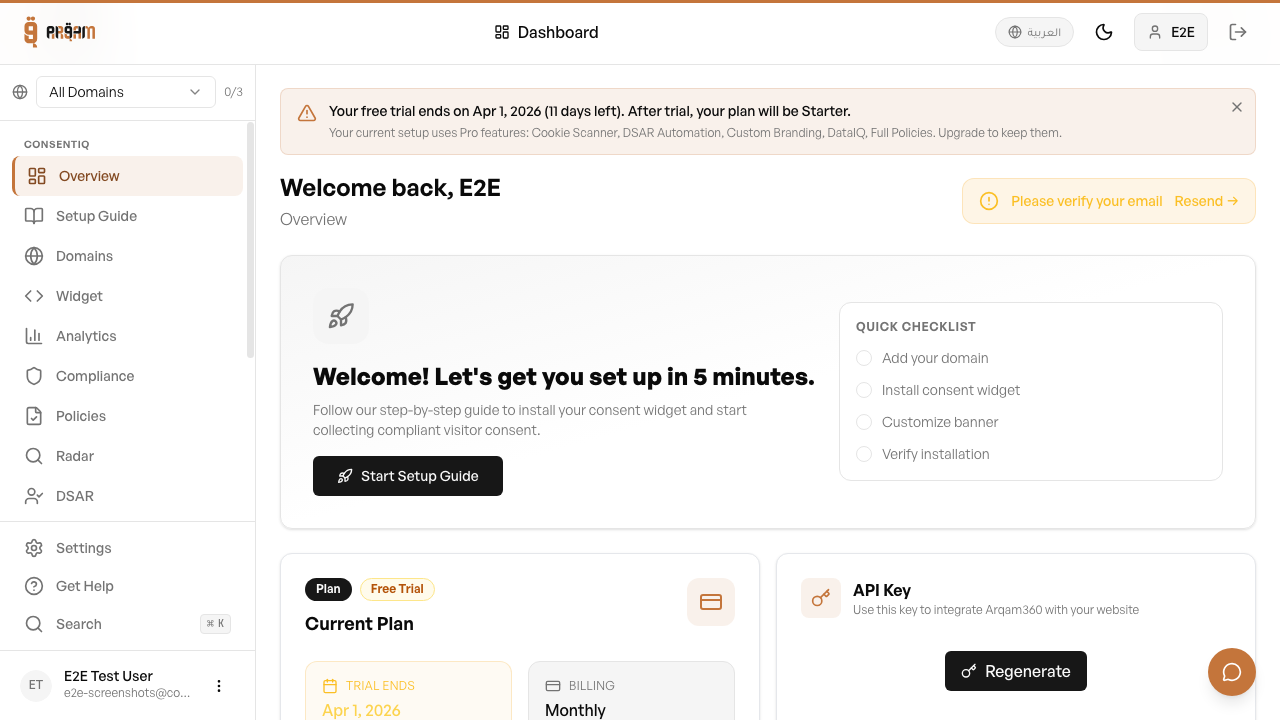
Log in to your dashboard
Use your credentials to access the Arqam360 dashboard.
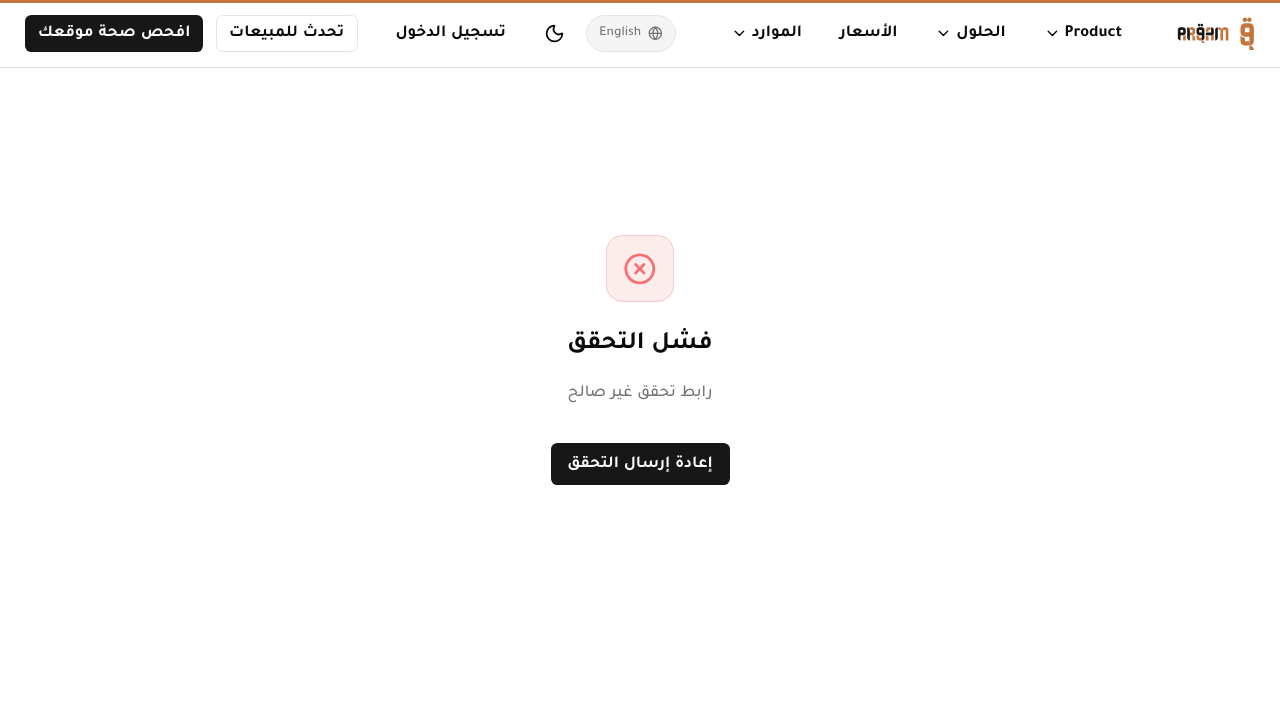
Check your spam folder if you don't see the verification email within a few minutes. The email comes from noreply@arqam360.com.
Sign Up with Google
Click the 'Continue with Google' button on the registration page. This creates your account instantly without needing a password or email verification.
Your account will be temporarily locked after multiple failed login attempts. Wait 15 minutes or use the 'Forgot Password' link to reset.
Was this article helpful?