
Connect Meta Conversions API (CAPI)
Meta Conversions API (CAPI) enables server-side event tracking that works alongside or independently of the Meta Pixel. Arqam360 forwards consent-compliant events to Meta.
Prerequisites
- A Meta Business Manager account
- A Meta Pixel ID
- A CAPI access token (generated in Meta Events Manager)
- An Arqam360 Pro or Managed plan
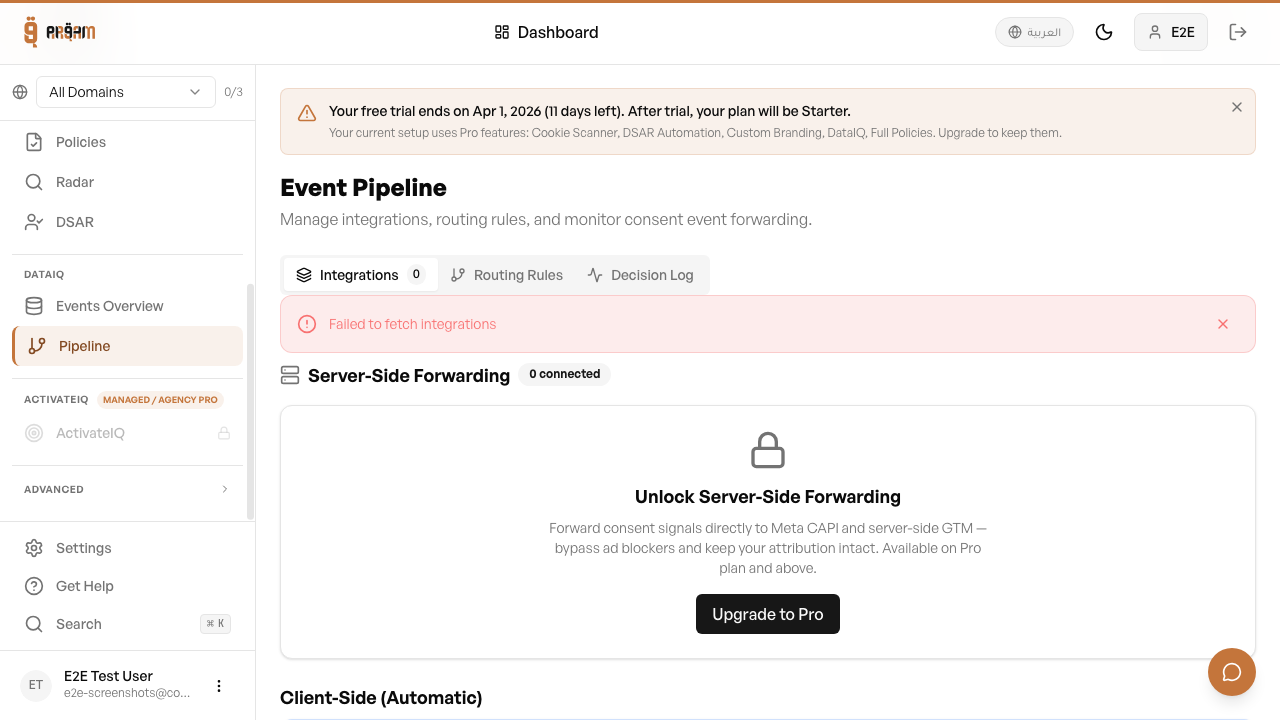
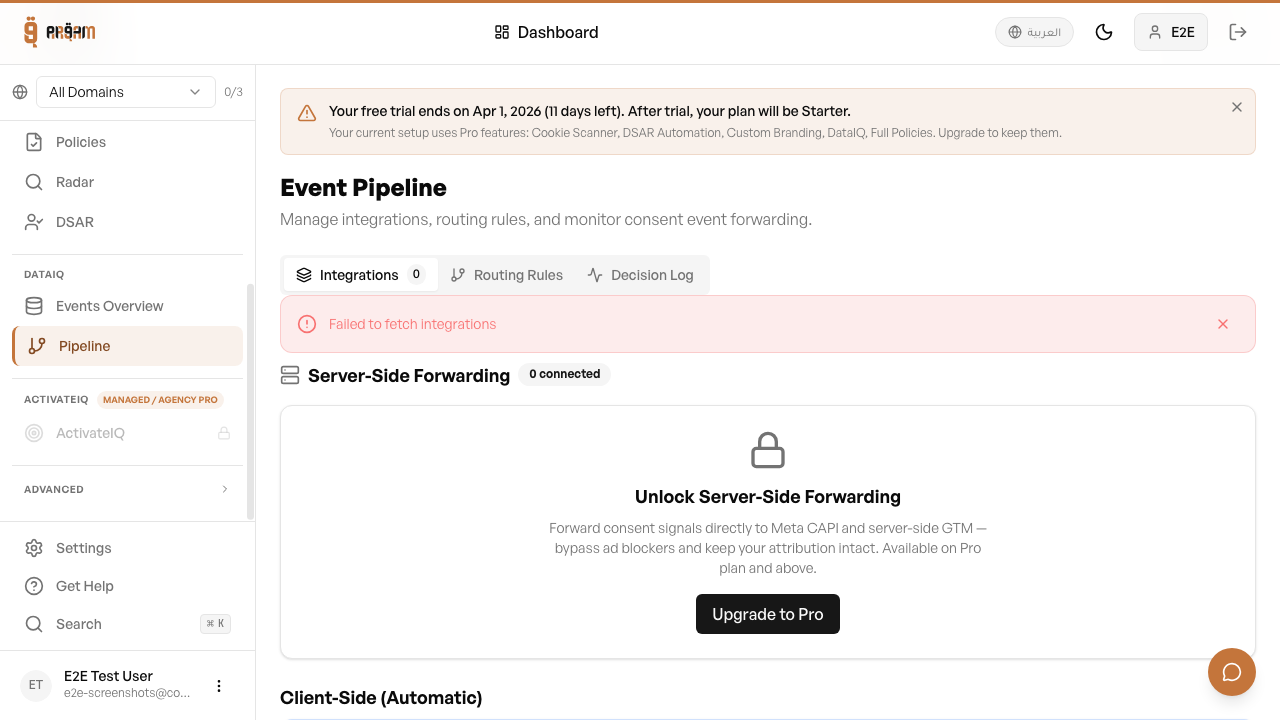
Go to Integrations
Navigate to Integrations tab in your Arqam360 dashboard.
Select Meta CAPI
Click the Meta Conversions API card and click 'Connect'.
Enter credentials
Provide your Pixel ID and CAPI Access Token.
Test the connection
Click 'Test Connection' to verify events reach Meta.
Enable
Toggle the integration to active.
Visitors who decline marketing
When a visitor declines marketing consent, Arqam360 sends nothing about them to Meta: no event, no IP address, no browser details. Only visitors who accepted marketing are forwarded. There is nothing to configure.
Testing Events
After connecting, go to Meta Events Manager → Test Events. You should see ConsentUpdate events appearing with the correct consent state.

Next Steps
Was this article helpful?