Install on Shopify
Arqam360 integrates natively with Shopify through our app. Installation takes under a minute and your account is automatically provisioned — no manual setup needed.
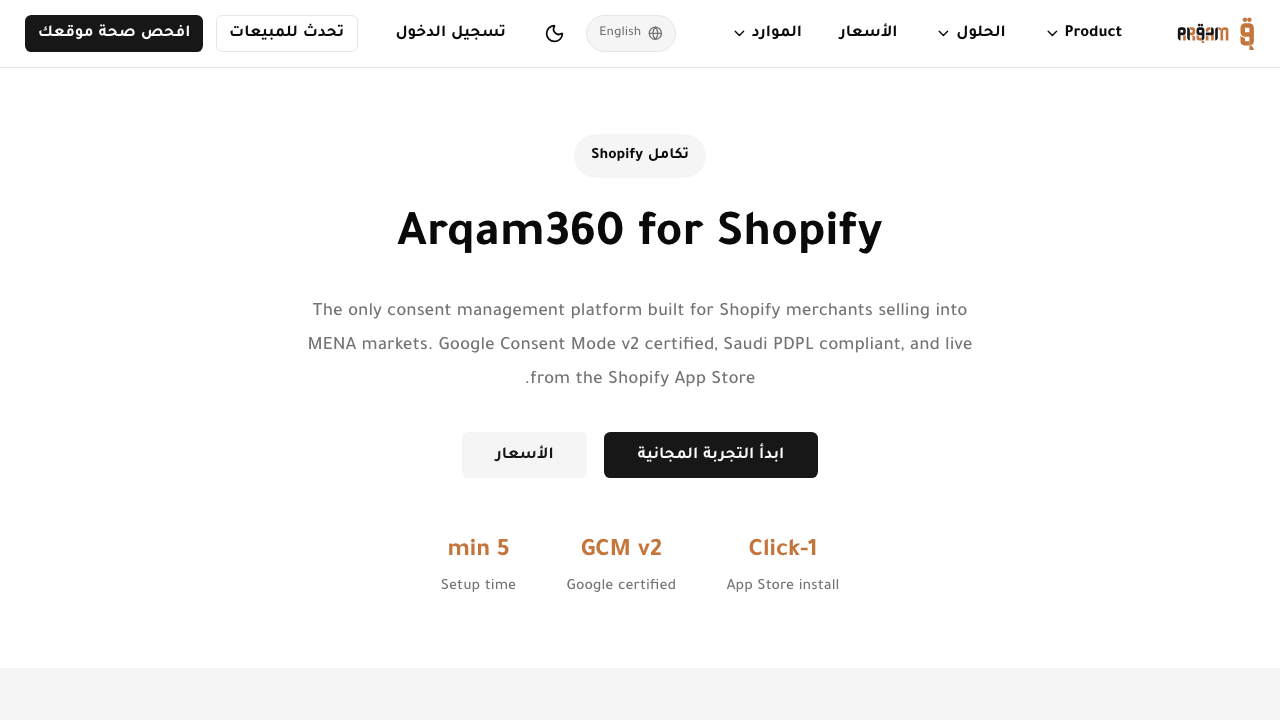
Find Arqam360 in the Shopify App Store
Search for 'Arqam360' in the Shopify App Store.
Click Install
Click the Install button and authorize the requested permissions.
Auto-provisioning completes
Arqam360 automatically creates your account, subscription, API key, and installs the consent widget via Theme App Extension.
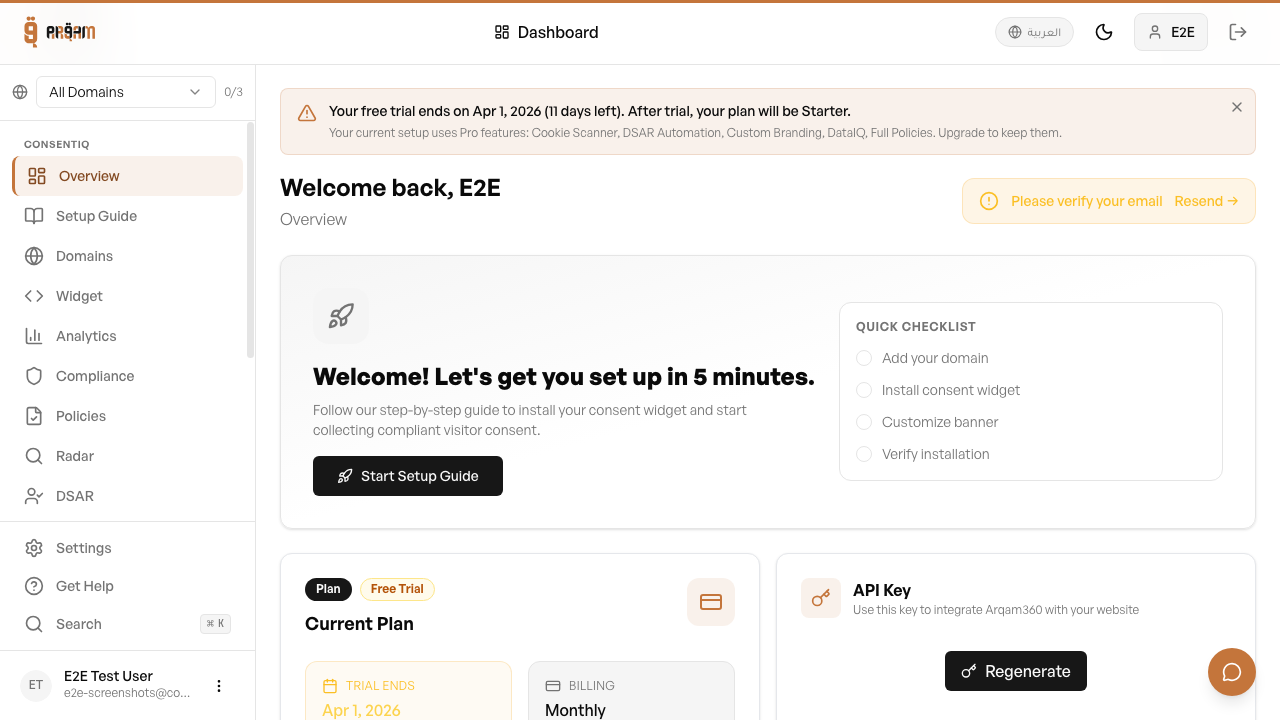
What Gets Auto-Provisioned
When you install the Shopify app, the following are created automatically: a user account linked to your Shopify store, a free subscription, an API key, and the consent widget is added to your theme. You can immediately start managing consent from within Shopify.
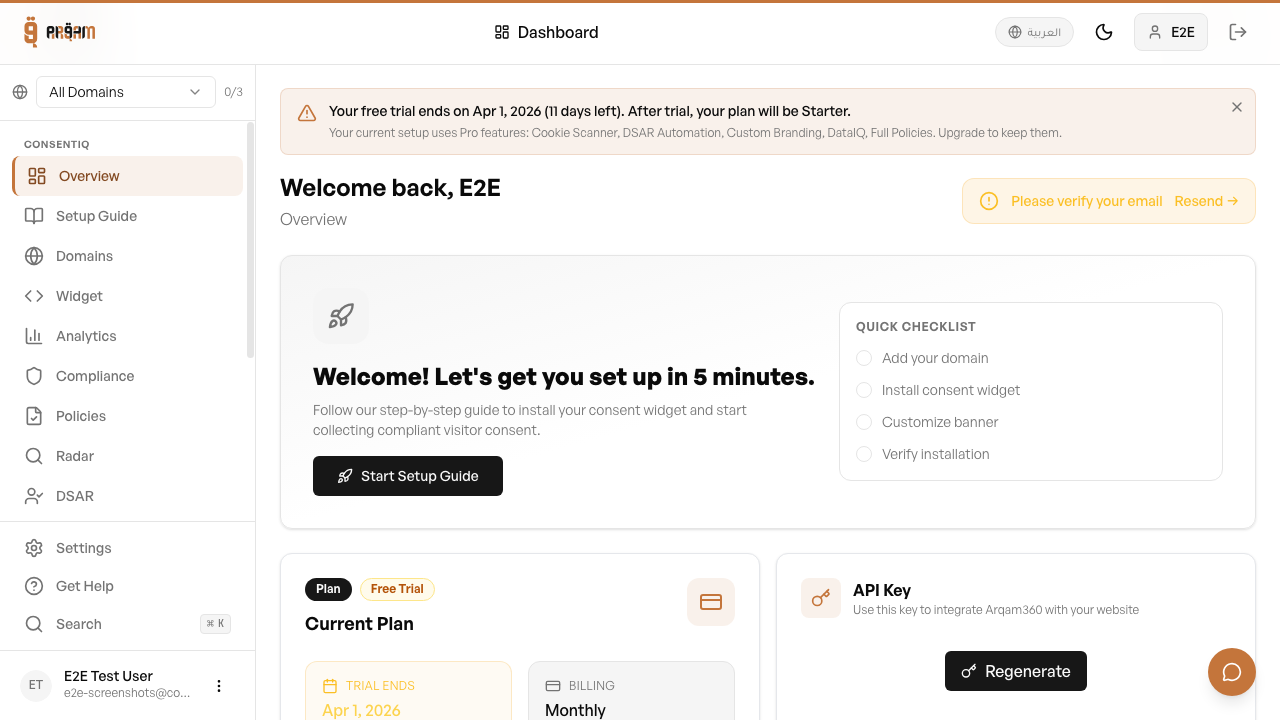

Uninstalling
If you uninstall the app, your consent data and configuration are preserved for compliance purposes. The widget will stop showing on your storefront, but existing consent records are retained.
Was this article helpful?