Install on Salla
Last updated: March 18, 20264 min readBeginnerBrand
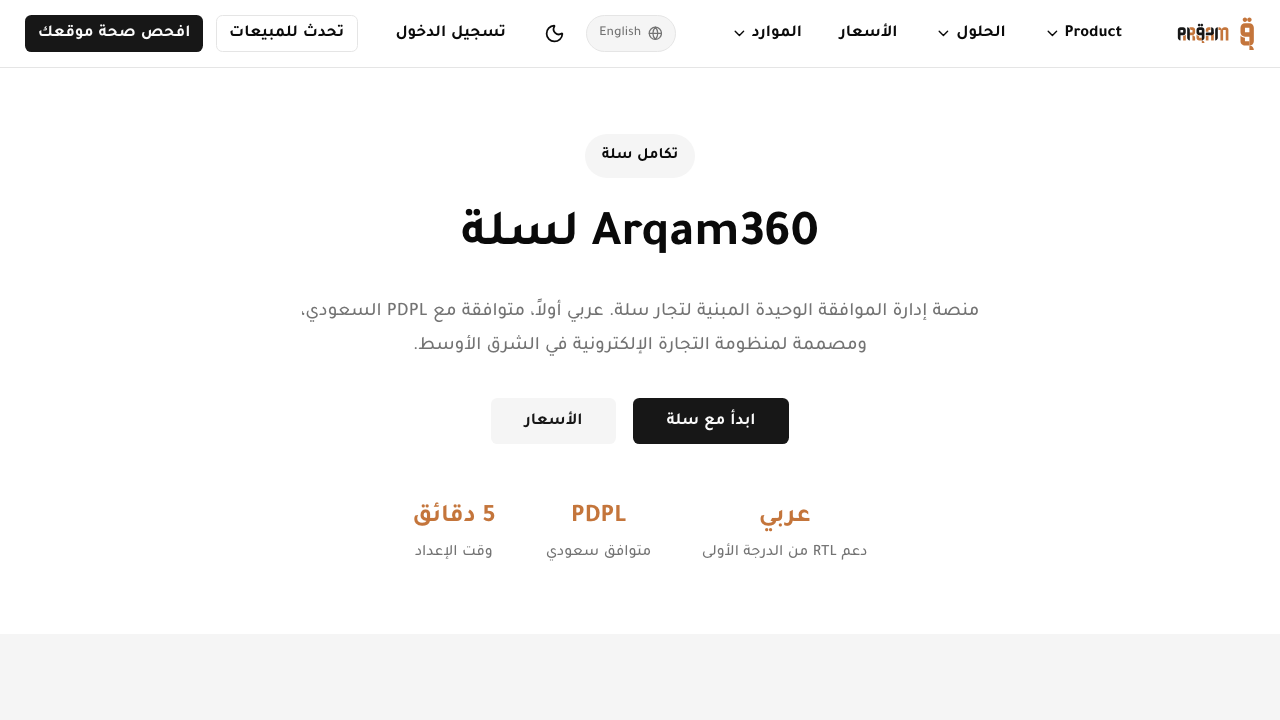
Arqam360 integrates natively with Salla, the leading Arabic e-commerce platform. Our app provides full Arabic RTL support and automatic provisioning.
1
Find Arqam360 in the Salla App Store
Search for 'Arqam360' in the Salla App Store.
2
Click Install
Authorize the app and grant the requested permissions.
3
Auto-provisioning completes
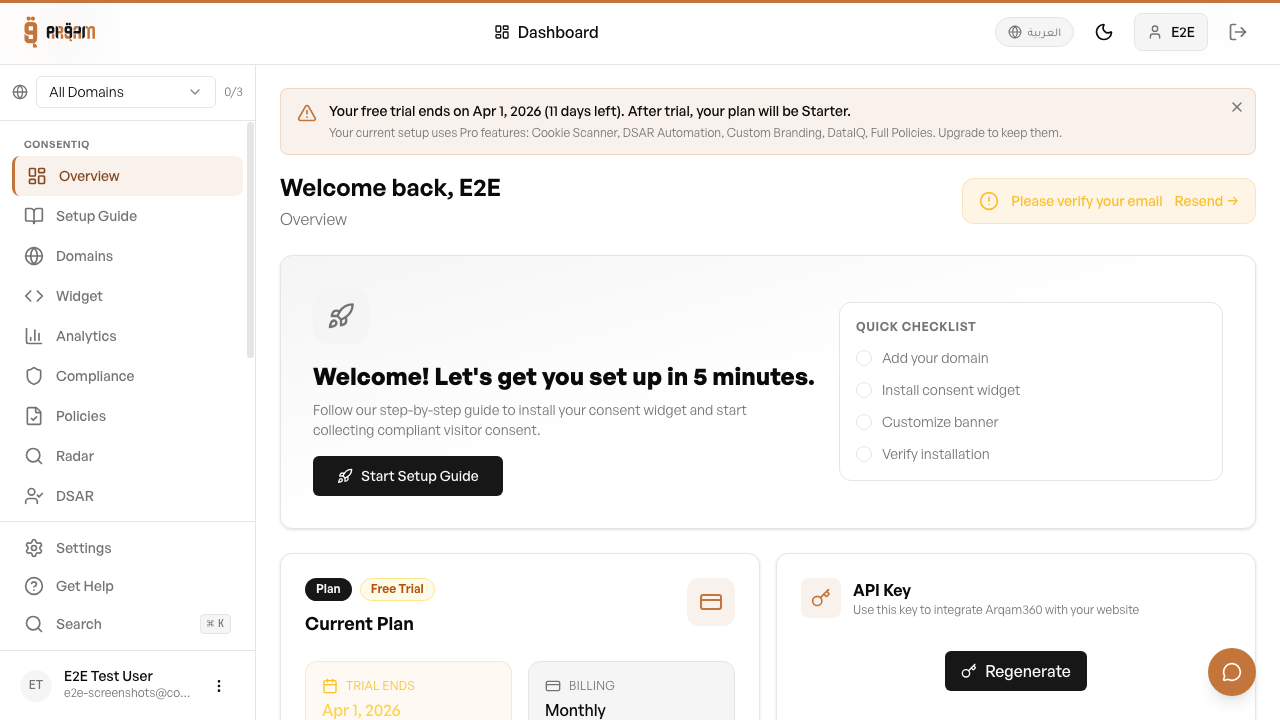
Your account, subscription, and API key are created automatically.
4
Access the dashboard
Manage your consent settings directly from within the Salla admin.
Automatic Setup
The Salla app creates your Arqam360 account and links it to your Salla store. The consent widget is automatically configured for your store.
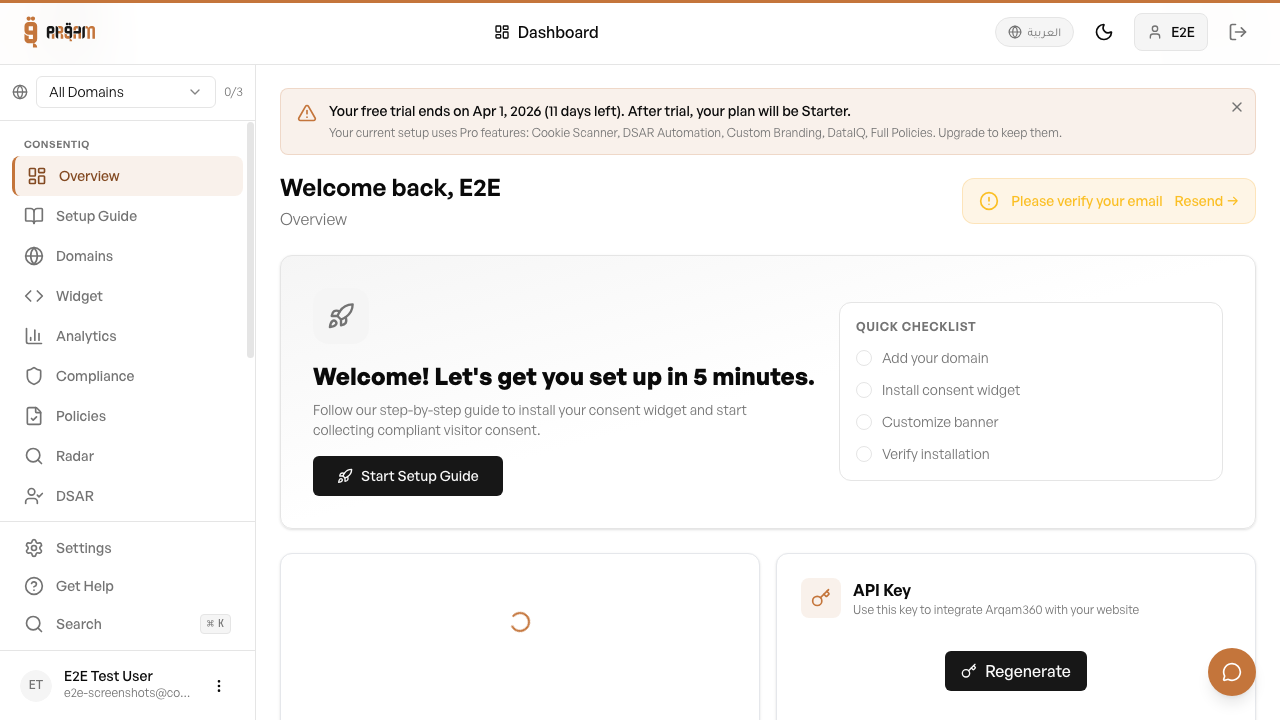
Arqam360 automatically detects your Salla store's language setting. For Arabic stores, the consent banner renders in RTL mode with Arabic translations.
Was this article helpful?